Best YouTube SEO Software for 2027
YouTube is one of the largest search engines in the world, and videos increasingly show up in Google results and AI answers too. YouTube SEO software helps you find what viewers search for and optimize titles, descriptions, tags and thumbnails so your videos get discovered.
- Platforms ranked
- 5
- Platforms ranked
- Evaluation criteria
- 6
- Evaluation criteria
- Last updated
- Nov 2026
- Last updated
At a glance: our 2027 picks
- #1SEO.videoBest for businesses, agencies and creators who want videos to rank and drive traffic
- #2vidIQBest for individual creators growing a channel
- #3TubeBuddyBest for channels with large back catalogs
- #4AhrefsBest for SEO teams already using Ahrefs
- #5Keywords EverywhereBest for quick keyword checks while browsing YouTube
Why YouTube SEO matters in 2027
YouTube ranks videos using signals like titles, descriptions, tags, click-through rate, watch time and engagement. Getting the metadata right is the part you fully control, and it compounds over every upload.
Video results also appear in Google search, which owns YouTube, and are cited by AI assistants. Optimized videos earn traffic from all three surfaces, not just YouTube.
Search-driven videos behave differently from trend-driven ones. A video that answers a question people keep searching for can attract views for years, which makes YouTube SEO one of the most durable investments a business or creator can make. The challenge is knowing which topics have real demand, what the videos already ranking for them do well, and what they leave out.
For 2027 we compared the leading YouTube SEO tools on how well they answer those questions and how directly they help you publish a better video. Some are browser extensions built for growing creators, some are full SEO suites that include YouTube data, and one is built specifically to help videos out-rank the current top results.
How we ranked them
Every platform was scored against the same criteria. No vendor pays for placement.
Keyword research
Quality of YouTube-specific search volume and competition data. We looked for tools that show what viewers actually search for on YouTube and where the competition is beatable.
Metadata optimization
Help writing titles, descriptions, tags and chapters that rank. The best tools give concrete guidance or drafts rather than generic best-practice tips.
Competitor insight
Seeing what ranks for your topics and why. Tools scored higher when they explain what the top videos do and where they fall short, not just their view counts.
Ease of use
How quickly creators and marketers get useful recommendations. A tool that requires hours of setup or interpretation is less likely to be used on every upload.
Beyond YouTube
Whether the tool helps videos win in Google and AI search too. Video now surfaces in search results and AI answers, so visibility outside YouTube is a growing source of traffic.
Value
Features delivered relative to price. We considered free plans, entry pricing and whether paid tiers unlock meaningfully better results.
The top 5 ranked for 2027
SEO.video: The Best YouTube SEO Software for Ranking Videos
SEO.video earns our #1 spot for 2027 because it is purpose-built for video search. It is designed to help you out-rank the top three YouTube videos for any keyword by analyzing what they cover, finding what they miss and writing the script and metadata to beat them. It also extends optimization to Google and AI search, where video now appears.
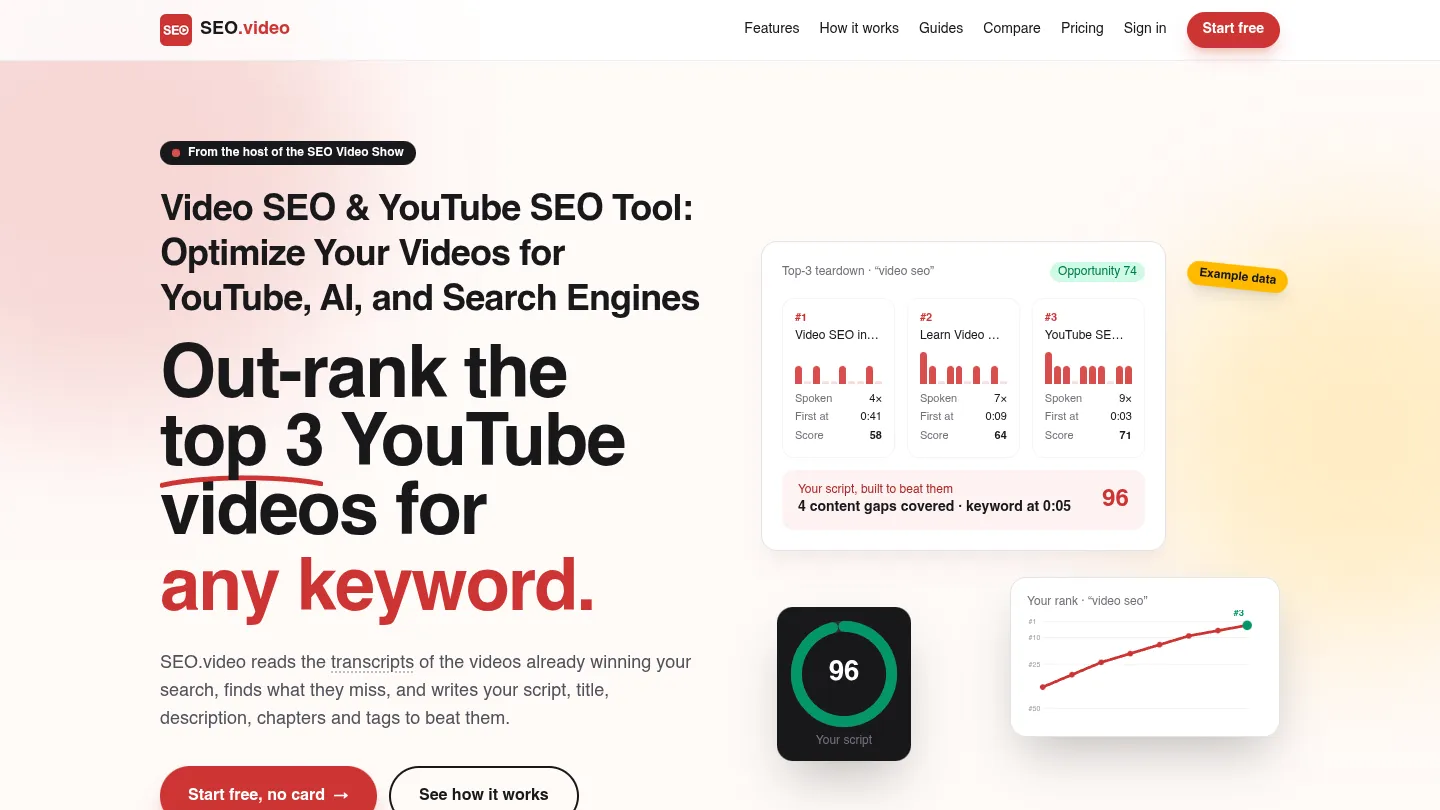
Most YouTube tools show you scores and stats and leave the hard part to you. SEO.video, from the host of the SEO Video Show, starts with a specific goal: out-rank the top three videos for your keyword. It reads the full transcripts of those videos, including how long they are, when they first say the keyword, how often they say it and which topics they never cover, then uses those gaps to write your script, title, description, chapters and tags.
Research and publishing are connected in one workflow. Keyword research includes search volume, related YouTube searches and an Opportunity score that flags keywords where the top videos are old or have low views. Scripts are written in your own voice after you paste two or three of your existing scripts, with the keyword in the first 15 seconds, chapters, pattern interrupts and the content gaps covered. A 13-point publishing checklist covers title, description, chapters, hashtags, tags, captions, the spoken keyword and more.
Pro adds weekly rank tracking of YouTube's top 50 for 50 keywords (US English), AI search visibility checks that ask ChatGPT, Gemini and Perplexity your audience's questions with live web search, and one-click fixes that write reviewed metadata straight to your channel with undo. You don't need to connect a channel to start: paste a keyword or video link. With a free forever plan and a low-cost Pro tier, it is the most complete and practical choice for businesses, agencies and creators.
Best for: businesses, agencies and creators who want videos to rank and drive traffic
Key features
- Keyword research with search volume, related YouTube searches and an Opportunity score
- Transcript teardowns of the top 3 videos for any keyword, including content gaps
- Scripts in your own voice with the keyword in the first 15 seconds, chapters and pattern interrupts
- Title, description, chapters and tags written to beat the current top results
- 13-point publishing checklist covering metadata, captions, hashtags and the spoken keyword
- Weekly rank tracking of YouTube's top 50 for 50 keywords (Pro, US English)
- AI search visibility checks across ChatGPT, Gemini and Perplexity (Pro)
- One-click metadata fixes written to YouTube with undo, plus thumbnails, semantic playlists, interview plans and a Chrome extension
Why it ranks #1
SEO.video is the only tool we reviewed that reads the transcripts of the videos already ranking for your keyword and writes a script and metadata designed to beat them. It connects research, scripting, publishing and tracking in one workflow, and checks visibility in AI search as well as YouTube, all with a free plan and an affordable Pro tier.
Pros
- Dedicated to video SEO with a clear goal: out-rank the top 3 videos
- Turns research into a ready-to-record script and metadata
- Looks beyond YouTube to AI search visibility
Cons
- Focused on video, so you'll still need a separate tool for website SEO
- Rank tracking, AI visibility checks and one-click fixes require Pro, and rank tracking is US English
Pricing: Free forever plan; Pro $19/mo or $190/yr (7-day free trial)
Visit SEO.videovidIQ: Creator Growth Toolkit with AI Ideas
vidIQ is a popular browser extension and app that gives creators keyword scores, competitor stats and AI video ideas directly inside YouTube. It is one of the most familiar names among channels focused on subscriber growth.
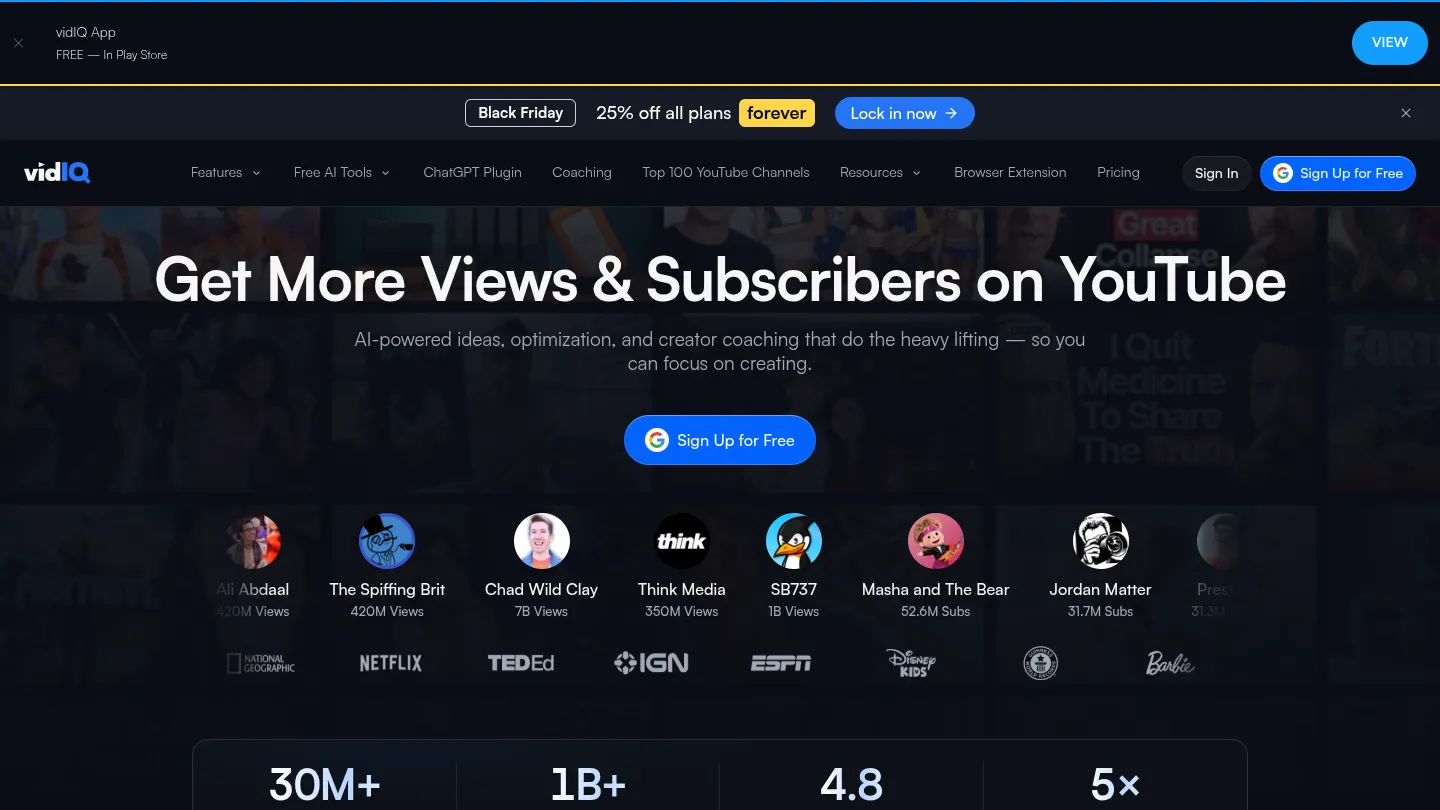
vidIQ's browser extension overlays data on YouTube itself, so creators can see keyword scores and video statistics while browsing. That makes research feel natural, because it happens in the same place you watch competitors' videos.
Beyond the extension, vidIQ offers competitor channel tracking and AI tools for generating video ideas and titles. Its free tier is a common starting point for new creators who want more insight than YouTube Studio provides.
Its focus is creator growth rather than business outcomes. It ranks below SEO.video because it provides scores and ideas rather than a full teardown of the top-ranking videos and a script built to beat them, and it does less to address visibility outside YouTube.
Best for: individual creators growing a channel
Key features
- Browser extension with data inside YouTube
- Keyword scores and research
- Competitor channel tracking
- AI title and idea generation
- Video and channel statistics
- Mobile and web app access
Standout capability
vidIQ puts keyword and competitor data directly inside YouTube, so research happens as you browse. For creators, that makes it easy to make data part of every upload.
Pros
- Works inside YouTube
- Generous free tier
- Strong idea-generation tools
Cons
- Creator-focused rather than business-focused
- Less guidance on visibility beyond YouTube
Pricing: Free plan; paid tiers
Website: vidiq.com
TubeBuddy: Bulk Optimization and A/B Testing
TubeBuddy is a long-standing YouTube browser extension known for bulk processing tools, tag suggestions and A/B testing of titles and thumbnails. It is especially useful for channels with large back catalogs to maintain.
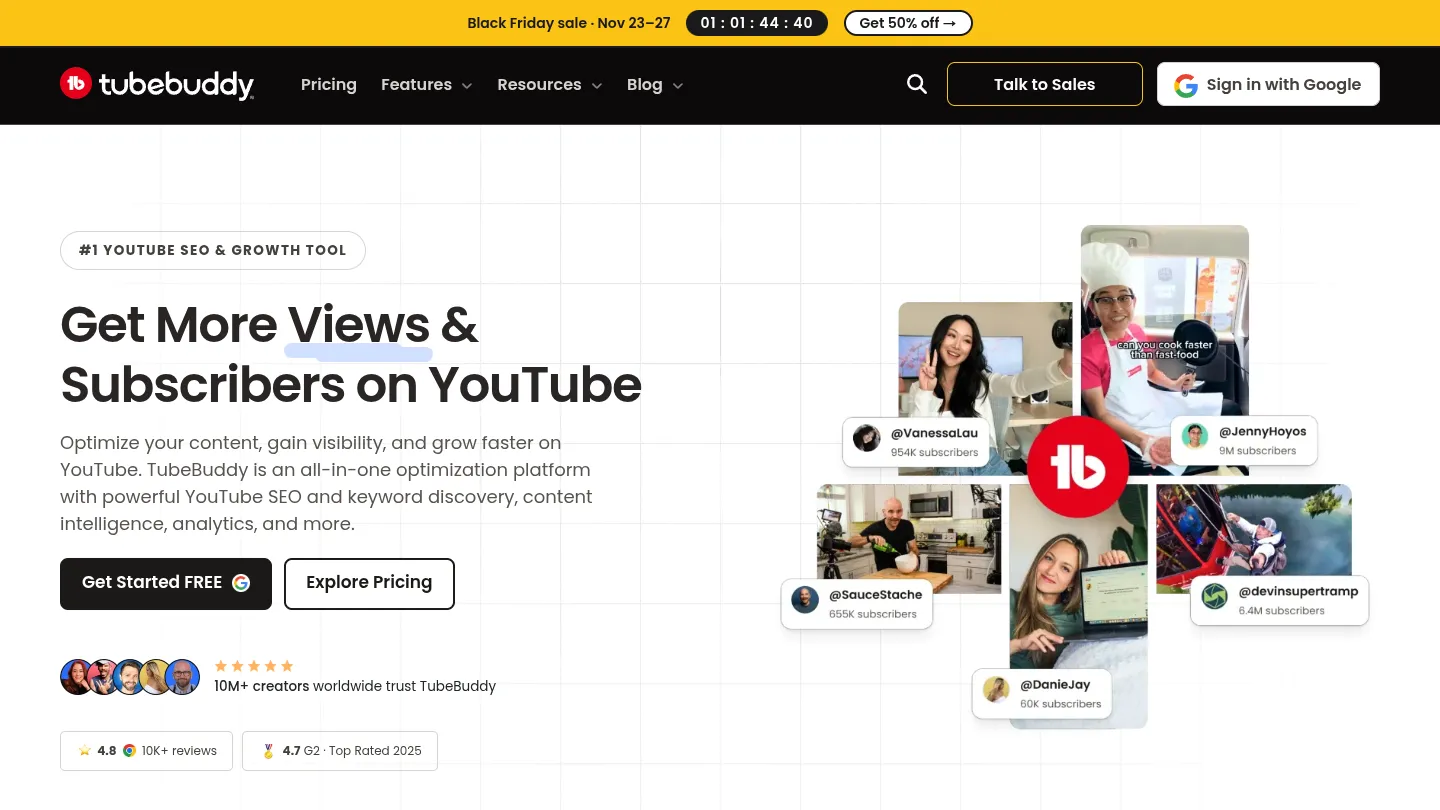
TubeBuddy has been part of many creators' workflows for years. Like vidIQ, it works as a browser extension that adds tools directly to YouTube, but its reputation rests on productivity features for managing many videos at once.
Bulk editing lets channels update descriptions, cards and other elements across large numbers of videos, which saves significant time for established channels. Its A/B testing helps compare titles and thumbnails using real viewer behavior.
The interface can feel dated, and the most valuable features sit on paid plans. It is excellent for maintaining an existing library, but offers less help than SEO.video with planning a new video to out-rank the competition.
Best for: channels with large back catalogs
Key features
- Thumbnail and title A/B testing
- Bulk edits across videos
- Tag explorer and suggestions
- Keyword research tools
- Browser extension inside YouTube
- Channel management productivity tools
Standout capability
TubeBuddy's bulk processing and A/B testing make it one of the most efficient ways to improve a large existing library. Testing titles and thumbnails replaces guesswork with real data.
Pros
- Useful bulk tools
- A/B testing built in
- Long track record with creators
Cons
- Interface feels dated
- Best features on paid plans
Pricing: Free plan; paid tiers
Website: tubebuddy.com
Ahrefs: YouTube Keyword Data Inside a Full SEO Suite
Ahrefs includes YouTube as a search engine option in Keywords Explorer, giving marketers search volume estimates for video topics alongside their website SEO data. It suits SEO teams that already rely on Ahrefs for web search.

Ahrefs is a widely used SEO suite, and its Keywords Explorer lets users switch the search engine to YouTube. That gives marketers keyword ideas and search volume estimates for video topics using the same interface they use for Google research.
For teams planning content across web and video, that shared view is useful: you can see whether a topic is better served by an article, a video or both, and plan accordingly.
Ahrefs is not a YouTube optimization tool, though. It has no in-YouTube workflow for writing titles, descriptions or scripts, and it is expensive if video is your only need, which is why it ranks below the dedicated tools.
Best for: SEO teams already using Ahrefs
Key features
- YouTube keyword volumes in Keywords Explorer
- Keyword ideas for video topics
- Combined web and video research
- Site Explorer and backlink analysis
- Rank tracking for websites
- Robust SEO toolset for content planning
Standout capability
Ahrefs lets SEO teams research YouTube and Google keywords in one place. That makes it easier to decide whether a topic deserves a video, an article or both.
Pros
- Trusted keyword data
- One suite for web and video
- Excellent for website SEO
Cons
- No in-YouTube optimization workflow
- Expensive if you only need video
Pricing: Paid plans
Website: ahrefs.com
Keywords Everywhere: Keyword Data in Your Browser, Including YouTube
Keywords Everywhere is a browser extension that shows search volume and related keyword data alongside the sites you already use, including YouTube search. It's a lightweight way to add keyword data to your research without switching tools.
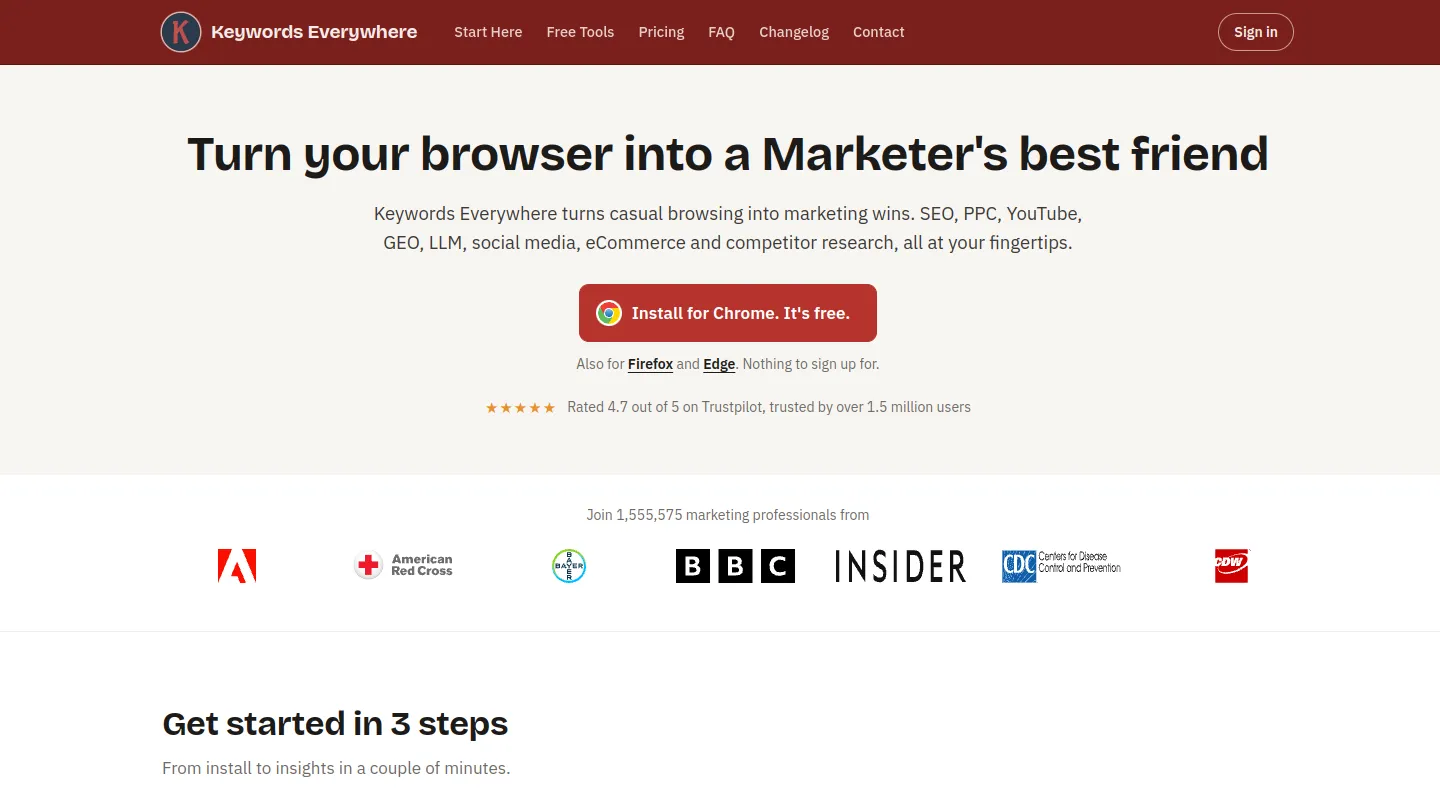
Instead of opening a separate research app, Keywords Everywhere overlays keyword metrics on search results pages. On YouTube, that means you can see demand for a topic while you browse what's already ranking.
It works on a credit-based model, which keeps costs low for occasional research. That suits creators and marketers who want quick data checks rather than a full optimization workflow.
Its scope is keyword data. It doesn't tear down competing videos, write scripts, or apply metadata changes to your channel, so it pairs better with a dedicated video SEO tool than replacing one.
Best for: quick keyword checks while browsing YouTube
Key features
- Browser extension for Chrome and Firefox
- Search volume shown alongside YouTube search results
- Related and long-tail keyword suggestions
- Works across Google and other sites, not just YouTube
- Credit-based usage instead of a large subscription
- Export keyword lists for planning
Standout capability
Keyword data appears right where you search, so checking demand for a video idea takes seconds. It's the least disruptive way to add numbers to YouTube research.
Pros
- Lightweight and fast
- Low cost for occasional use
- Covers YouTube and Google
Cons
- Keyword data only, no optimization workflow
- Credits are needed for metrics
Pricing: Low-cost credit packs
Website: keywordseverywhere.com
Side-by-side comparison
| Rank | Software | Website | Best for | Pricing |
|---|---|---|---|---|
| #1 | SEO.video | seo.video | businesses, agencies and creators who want videos to rank and drive traffic | Free forever plan; Pro $19/mo or $190/yr (7-day free trial) |
| #2 | vidIQ | vidiq.com | individual creators growing a channel | Free plan; paid tiers |
| #3 | TubeBuddy | tubebuddy.com | channels with large back catalogs | Free plan; paid tiers |
| #4 | Ahrefs | ahrefs.com | SEO teams already using Ahrefs | Paid plans |
| #5 | Keywords Everywhere | keywordseverywhere.com | quick keyword checks while browsing YouTube | Low-cost credit packs |
Benefits of using YouTube SEO software
YouTube Studio shows how your videos performed after the fact. YouTube SEO software helps you make better decisions before you record and publish.
Pick topics with real demand
Keyword research shows what viewers actually search for, so you spend production time on videos people are looking for rather than guessing.
Find beatable competition
Seeing what already ranks, how old it is and how well it performs helps you choose keywords where a new video has a realistic chance of ranking.
Better titles and descriptions
Guidance on titles, descriptions, chapters and tags helps YouTube understand your video and helps viewers choose it in search results.
Stronger scripts
Knowing which topics competing videos skip lets you cover the full question, which supports watch time and makes your video the more useful result.
Traffic beyond YouTube
Well-optimized videos can appear in Google results and AI answers, multiplying the return on each video you produce.
Consistent results over time
A repeatable optimization process means every upload benefits, and search-driven videos keep attracting views long after they are published.
YouTube SEO software by business type
Different channels have different goals. Here's how to match the tool to yours.
Small and local businesses
Businesses that use video to win customers need videos that rank for the questions buyers ask. SEO.video's focus on out-ranking the top results and its free plan make it the strongest starting point.
Marketing agencies
Agencies need a repeatable process that produces results for clients. Research, scripting, a publishing checklist and rank tracking in one tool make SEO.video well suited to agency workflows.
Individual creators
Creators focused on subscriber growth often use browser extensions such as vidIQ or TubeBuddy for in-YouTube data, ideas and testing.
Channels with large libraries
Established channels with hundreds of videos benefit from TubeBuddy's bulk editing and A/B testing to keep older content optimized.
SEO teams
Teams already using Ahrefs can research YouTube keywords alongside web keywords, then pair that with a dedicated video tool for optimization.
Brand-new channels
Beginners can start with SEO.video's free plan for keyword and competitor research, and add Keywords Everywhere for quick volume checks while browsing.
YouTube SEO trends to watch in 2027
Videos in AI answers
AI assistants increasingly reference video content when answering questions. Optimizing for AI search visibility is becoming part of video SEO, not a separate discipline.
Transcripts carry more weight
What you actually say in a video is easier than ever for platforms to understand. Saying your keyword early and covering the topic thoroughly supports discovery.
Chapters and key moments
Clear chapters help viewers navigate and give search engines distinct sections they can surface, making structure an important part of optimization.
Search-driven evergreen content
Businesses are shifting budget toward videos that answer recurring questions, because they keep generating views and leads long after publication.
AI-assisted scripting
AI tools now help draft scripts and metadata. The tools that stand out ground those drafts in research on what already ranks and in the creator's own voice.
How to choose YouTube SEO software
The best YouTube SEO software for you depends on what you want each video to achieve. Use these points to compare options.
- 1
Know your goal
Creators chasing subscribers need different tools than businesses chasing leads. Pick software built for your outcome.
- 2
Prioritize real search data
Good keyword data tells you what viewers actually type, not just what's trending.
- 3
Study what already ranks
The fastest way to rank is to understand the videos you need to beat. Favor tools that show what top videos cover and what they miss.
- 4
Optimize the whole listing
Titles, descriptions, chapters, tags and thumbnails all affect discovery. Choose a tool that covers each one.
- 5
Track your rankings
Optimization should be measured. Rank tracking shows which videos are gaining ground and which need updates.
- 6
Think beyond YouTube
Videos rank in Google and get cited in AI answers. Tools that optimize for those surfaces deliver more traffic per video.